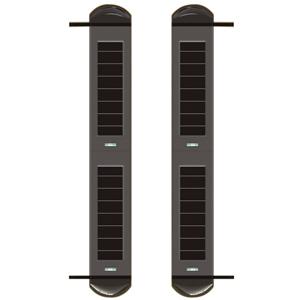
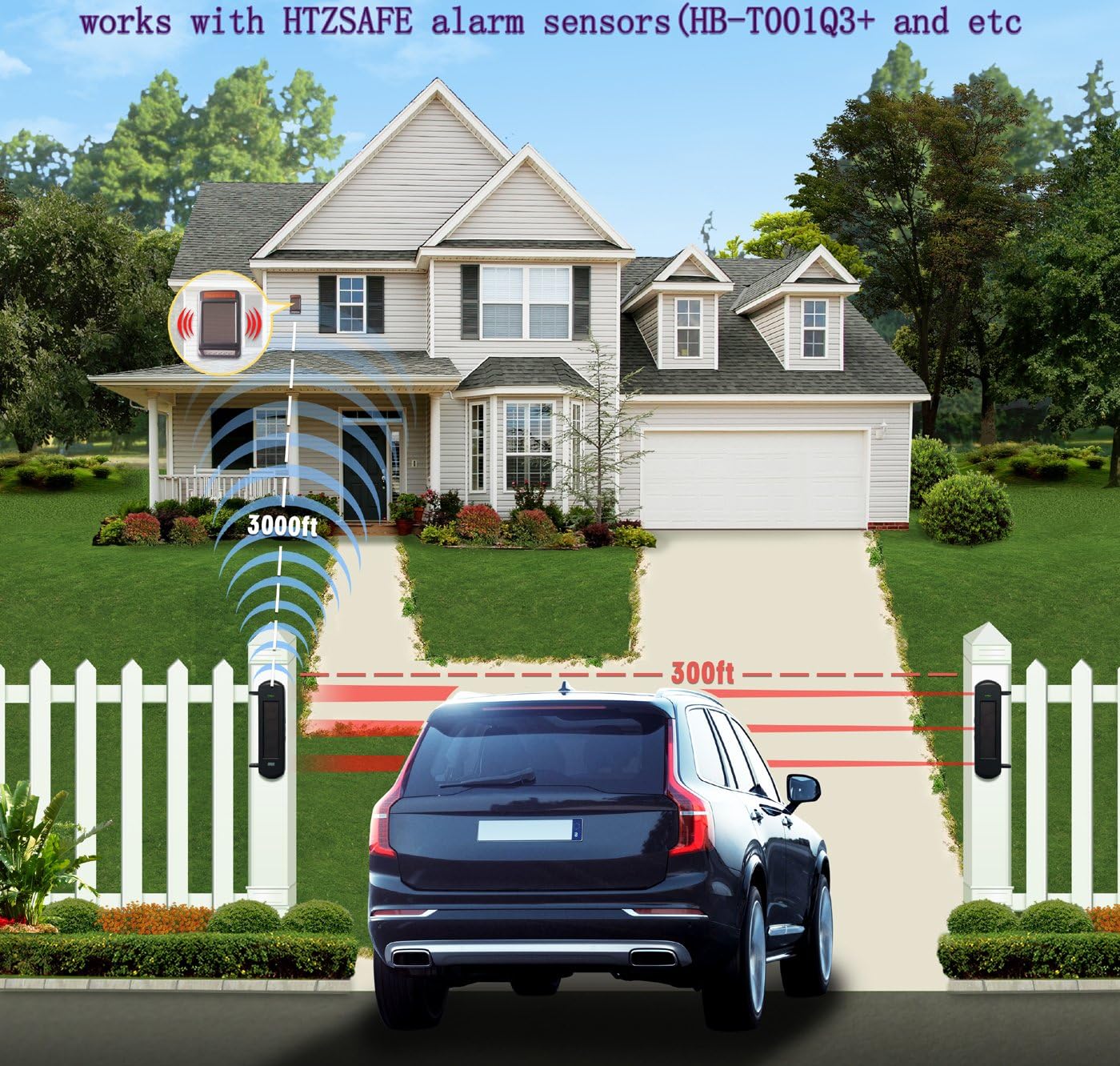
HB-JHD-2 Solar-power Wireless Warning Lamp can work with solar beams for driveway security system.
Solar-power Warning Siren Strobe is with built-in sounder and high light lamp. It will illuminate the defense zone and make loud sound when alarm.
It can learn maximum 32 wireless HB brand 433MHz
wireless infrared beams, grating and remote controller.
Function:
1. With power on/off button and low illumination sound indication. It will trigger alarm when it is off.
2. Can select alarm sound.
3. Can check power on/off status, device working status and test it.
4. Can use remote controller to arm, disarm, emergency alarm and cancel alarm.
5. It should be installed at place with enough sunlight.
Specification:
1. Working voltage: 6.4V
2. Battery type: LiFePO4 battery
3. Battery capacity: 3000mAH
4. Static working rate current: 2mA
5. Wireless receiving distance: 300m at open area
6. Working environment temperature:-30℃~70℃
7. Alarm Volume: 90dB
8. High light LED luminous flux: 70 lm each
9. Dimension: 280*180*74mm
Total 4 buttons(On/Off Key;Learning Key;Delete Key;Choose Sound Key)
How to connect detectors and remote controllers
1. Press the On/Off Key 3-10 times to turn on the siren.
(if work normally, there are 3-6 “di” beep prompt)
【Notice1】if press the On/Off Key 3 times to turn on,the siren will alarm 5 seconds while sensors be triggered; if 4 times,the siren will alarm 15 seconds;if 5 times,the siren will alarm 30 seconds;if 6 times,the siren will alarm 60 seconds;if 7-10 times,no alarm voice.
【Notice2】If there are 3”di~~”long beep prompt while you turn on the siren,it means the siren is Low battery or the solar panel was covered by thick materials;
All the setting will take effect after 1 hour,within 1 hour,the siren will alarm 5 seconds while sensors be triggered.
2. Press the”Learning Key” once,”Learning Key”light on and a beep prompt
(means the siren is on Learning mode)
3. Trigger the sensor or press the arm key of remote controller,”Learning Key”light off and a beep prompt( connect successfully)
4. Connect other sensors or remote controllers by the same way
(press “Learning Key”once,trigger the sensor)
How to delete sensors and remote controllers
1. Turn on the Siren.
2. Delete one sensor(the recent one)--Press”Delete Key”once,and”Delete Key”light on 1 second and a beep prompt.
Delete all the sensors--Press”Delete Key”3 seconds,”Delete Key”light on and a long beep Prompt.
How to choose the alarm voice(total 2 sounds,one is doorbell,one is Alarm)
1. Turn on the siren
2. Press the”Choose Sound Key”once,the sound you heard is the one you choose.
【Notice】The operations of Learning,Deleting,Choosing Sound must be operated within 1 hours after turn on the siren.if after 1 hour,you should restart the siren to operate.